How to Stay Active as a Gamer: Stretches and Breaks for Long Sessions
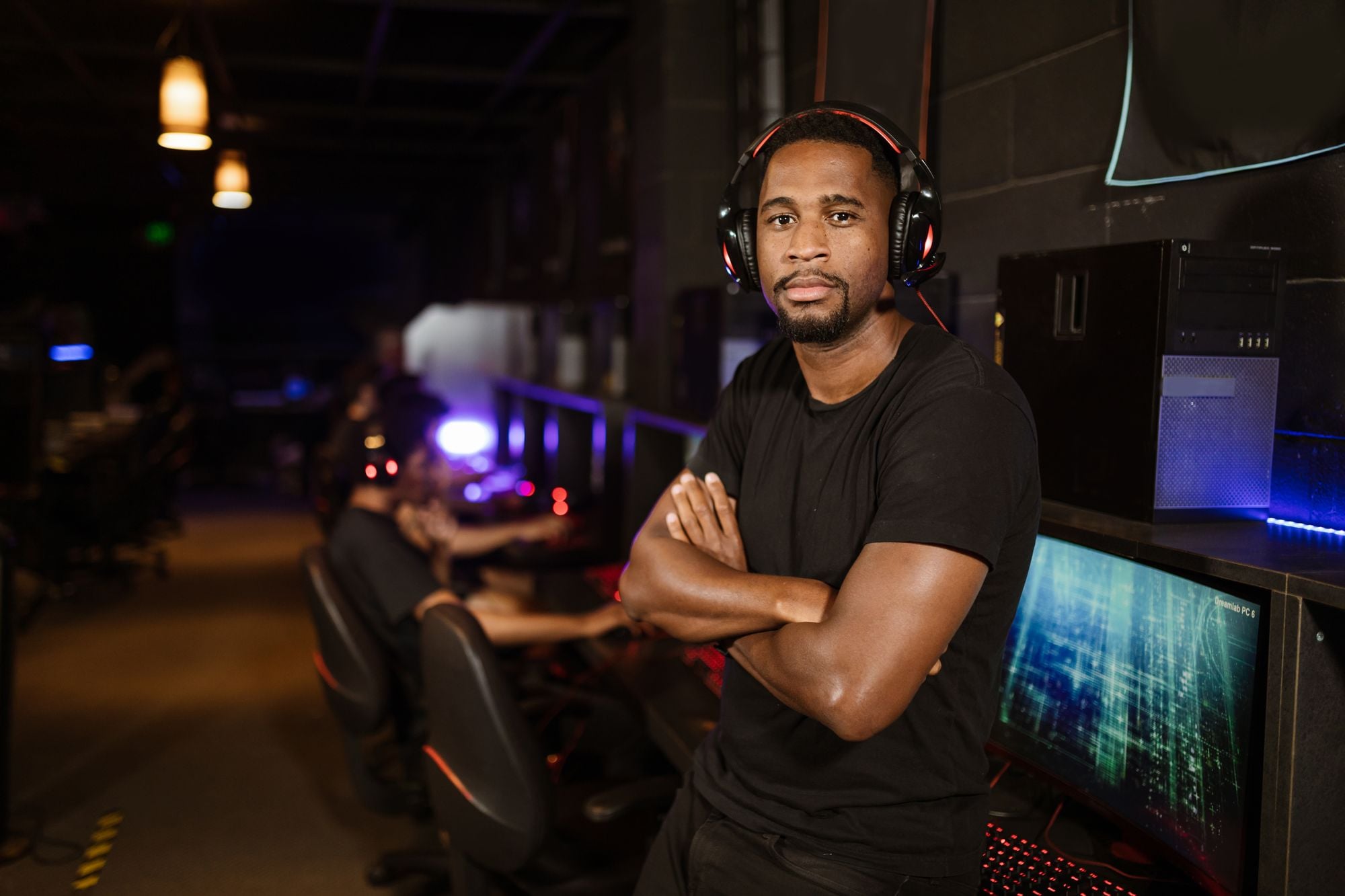
Long gaming sessions have a way of running well past the point where your shoulders, wrists and eyes started asking for a pause. Staying active as a gamer comes down to three habits: a quick eye reset every 20 minutes, a short stand-and-stretch break every hour, and a few targeted stretches for the places that stay still the longest.
And this isn’t just a hunch. In workplace research from the CDC’s National Institute for Occupational Safety and Health (NIOSH), discomfort and eyestrain among computer workers were significantly reduced when regular rest breaks were supplemented with an hourly 5-minute break. This guide covers how often to break, how to set up your posture, the stretches worth doing, and how to build movement into the moments a game already hands you.
How Often Should You Take a Break While Gaming?
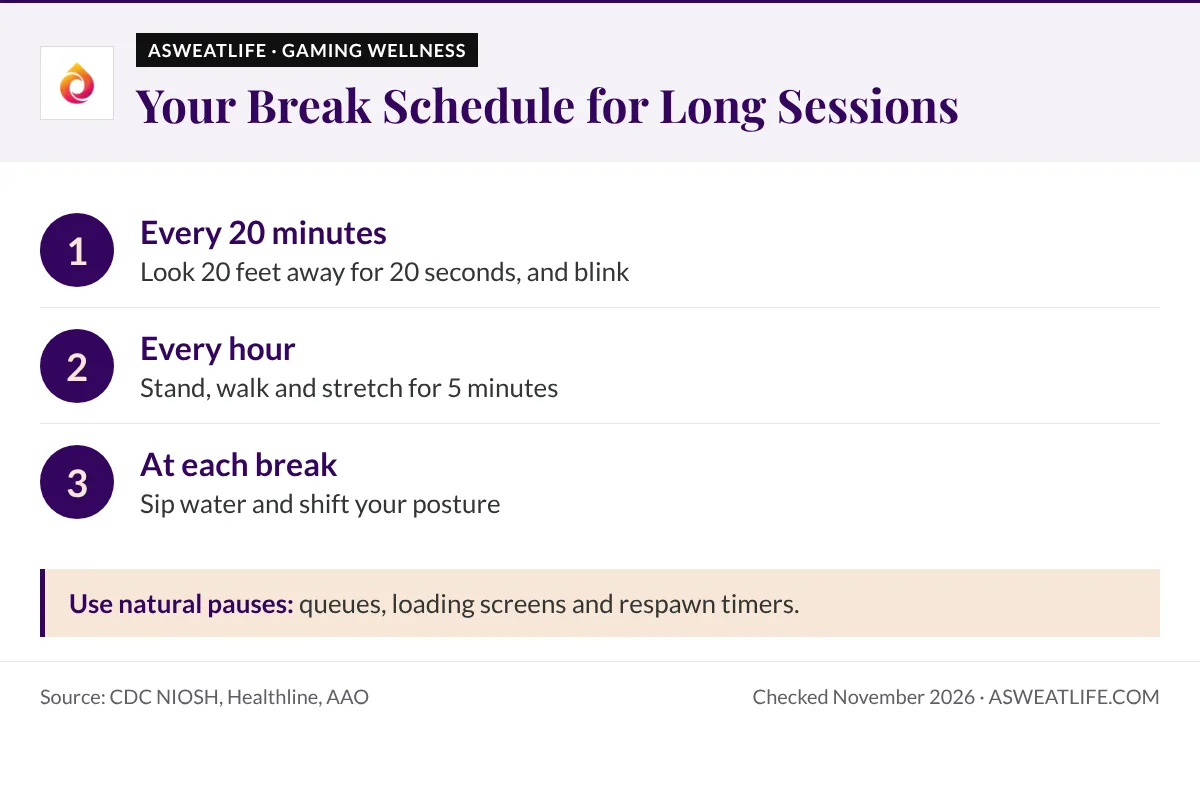
A workable schedule has two layers. Every 20 minutes, give your eyes a short reset. Every hour, stand up for 5 minutes and move. NIOSH also advises at least one longer break in a long day of computer work, such as a proper stop for a meal, which gives a gaming marathon a natural place to pause.
Hourly breaks do not need to be dramatic. Stand, walk to refill your water bottle, do two or three of the stretches below, and sit back down. The goal is to interrupt long stretches of sitting still, and the World Health Organization notes that all age groups should limit the amount of time spent being sedentary.
The 20-20-20 Rule for Eye Strain
The 20-20-20 rule is simple: after every 20 minutes of screen time, look at something about 20 feet away for 20 seconds. In a 2020 study, people taught the rule showed significant improvements in dry eye symptoms and tear film stability. Any break from repetitive screen work helps, too. A window, a hallway or the far wall of the room all work.
Blinking matters just as much. The American Academy of Ophthalmology (AAO) says people normally blink about 15 times a minute but only about 5 to 7 times a minute while using screens, and it recommends blinking often to keep the surface of the eye from drying out. Intense moments in a match make this easy to forget, so use each eye reset to blink on purpose a few times.
Set Up Your Posture Before You Start
A few adjustments before you queue up make every later stretch more effective.
- Screen distance and height: The AAO suggests sitting about 25 inches from the screen, roughly arm’s length, with the screen positioned so your eyes gaze slightly downward.
- Wrists: NIOSH advises keeping a neutral, straight wrist when using an external mouse, and keeping wrists as straight as possible on a keyboard. If you play on a controller, rest your forearms on the chair arms or your thighs so your wrists are not bent for long periods.
- Elbows: NIOSH recommends elbows at roughly a 90 to 120 degree angle at the keyboard.
- Change position: NIOSH says varying your posture regularly is beneficial, including working standing up for a stretch of time. Some gamers raise a desk for a casual match or stand while a lobby fills.
Best Stretches for Gamers
These moves target the wrists, neck, shoulders, upper back and hips. Move slowly, breathe normally and stop if anything hurts. Our guide to the best stretches for desk sitting has more options that work from a chair.
Wrist and Forearm Stretch
Extend one arm in front of you with the palm facing up. With your other hand, gently pull the fingers back toward you until you feel a mild stretch along the inside of the forearm. Flip the palm down and gently press the back of the hand toward you to stretch the other side. Repeat on both arms.
Neck Release
Sit tall and tuck your chin slightly, as if making a gentle double chin. Then tip one ear toward the same shoulder and hold for a slow count of ten. Switch sides. Keep your shoulders relaxed and low.
Chest and Shoulder Opener
Clasp your hands behind your back, straighten your arms and lift slightly while drawing your shoulder blades together. This opens the chest after hours of leaning toward the screen. Finish with five slow shoulder rolls backward.
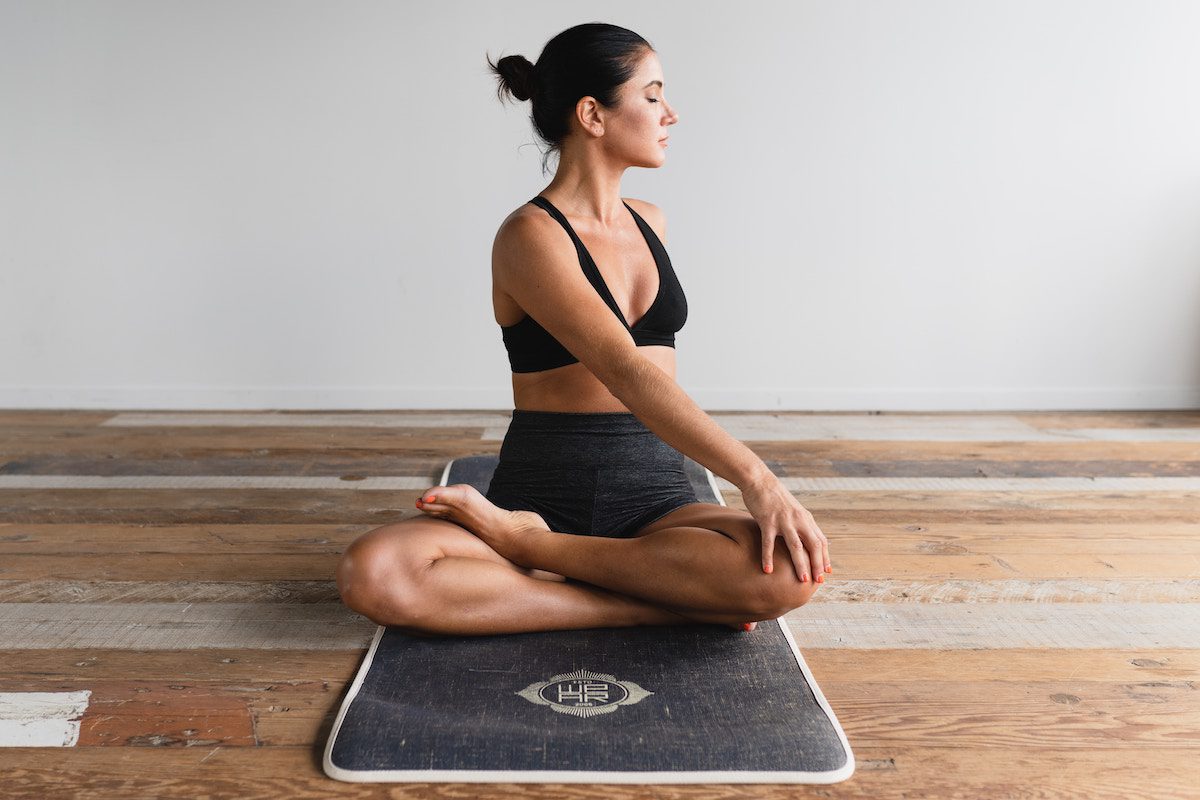
Seated Upper Back Twist
Sit near the front of your chair, place your right hand on your left knee and turn your torso to the left, looking over your shoulder. Hold for a slow count of ten, then switch sides.
Standing Hip and Leg Reset
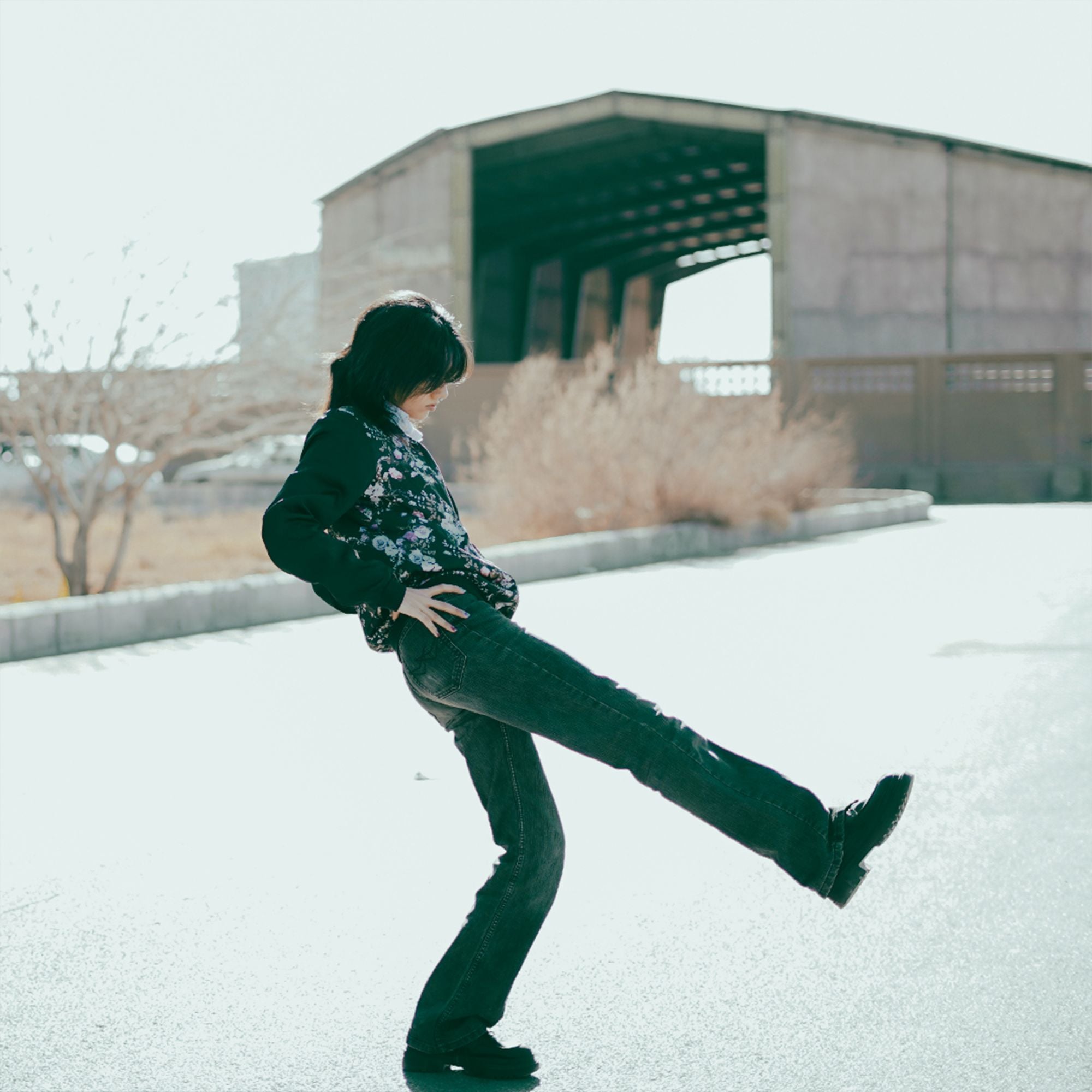
Take a step back into a gentle lunge to open the front of the hip, which stays bent while you sit, then switch legs. Add ten slow calf raises to get circulation going in your legs before you sit down again.
Use Natural Breaks in Play to Move
Games build in dead time, and each pause is a free movement break. Matchmaking queues, loading screens, respawn timers, cutscenes and waiting for a party to assemble each last long enough for a stretch or a walk across the room.
- In a queue: Stand up and do the neck release and shoulder rolls.
- On a loading screen: Look out a window and blink, which doubles as your eye reset.
- During a respawn timer or cutscene: Do the wrist stretch with the controller set down.
- Between matches: Walk to refill your water bottle.
Keeping water within reach makes this loop easy. A full bottle on your desk invites regular sips, and an empty one gives you a reason to get up and walk to the kitchen.
Plan Shorter Sessions Around Scheduled Content
Some games make you wait for content to begin, from raid windows to event rotations. If you play an MMO like Aion 2, a timer tool such as the Aion 2 raid and event timers shows when events, world bosses and resets start in your local time, with alerts you can set ahead of time. That lets you spend the hour before an event away from the screen, then log in as it begins.
Pick a session length to see how many breaks the schedule above calls for.
Planning an all-day session? Build in one longer stop, like a proper meal, too.
Fit in Weekly Activity Beyond Your Breaks
Breaks interrupt sitting but do not replace exercise. The WHO’s guideline for adults is at least 150 minutes of moderate-intensity physical activity per week, plus muscle-strengthening activities on two or more days a week. A brisk walk before or after a gaming block counts, and so does a class with a friend. If you want a low-pressure start, our recovery yoga flow and self massage pairs well with a night of long sessions. Your next step: set a 20-minute timer before your next session and notice how your eyes and shoulders feel by the end.
Frequently Asked Questions
Do I Need to Pause the Game for Every Break?
No. Eye resets take 20 seconds and can happen during loading screens, respawn timers or menus. Save the 5-minute stand-and-stretch break for a natural stopping point between matches or rounds.
What if I Play Competitive Matches That Run Long?
Use the gaps around the match: the lobby, the queue and the post-game screen. Add a posture change and a few shoulder rolls before the next match starts.
Can Stretching Replace Exercise?
No. Stretching helps you move and break up sitting, while the WHO’s weekly guideline of at least 150 minutes of moderate-intensity activity is a separate goal.
When Should I Talk to a Professional?
If pain, numbness or tingling in your hands, neck or back keeps returning or does not ease with rest, check in with a doctor or physical therapist.
This article is for educational purposes and does not replace advice from a doctor, registered dietitian or qualified trainer.